Your stock, your suppliers and your team. One place.
Kontrol runs the back office of a South African trade business: stock, purchasing, customers, paperwork and field work. If you also serve a counter, a till is there when you want it.
30 days free. No card. Windows 10 and 11.

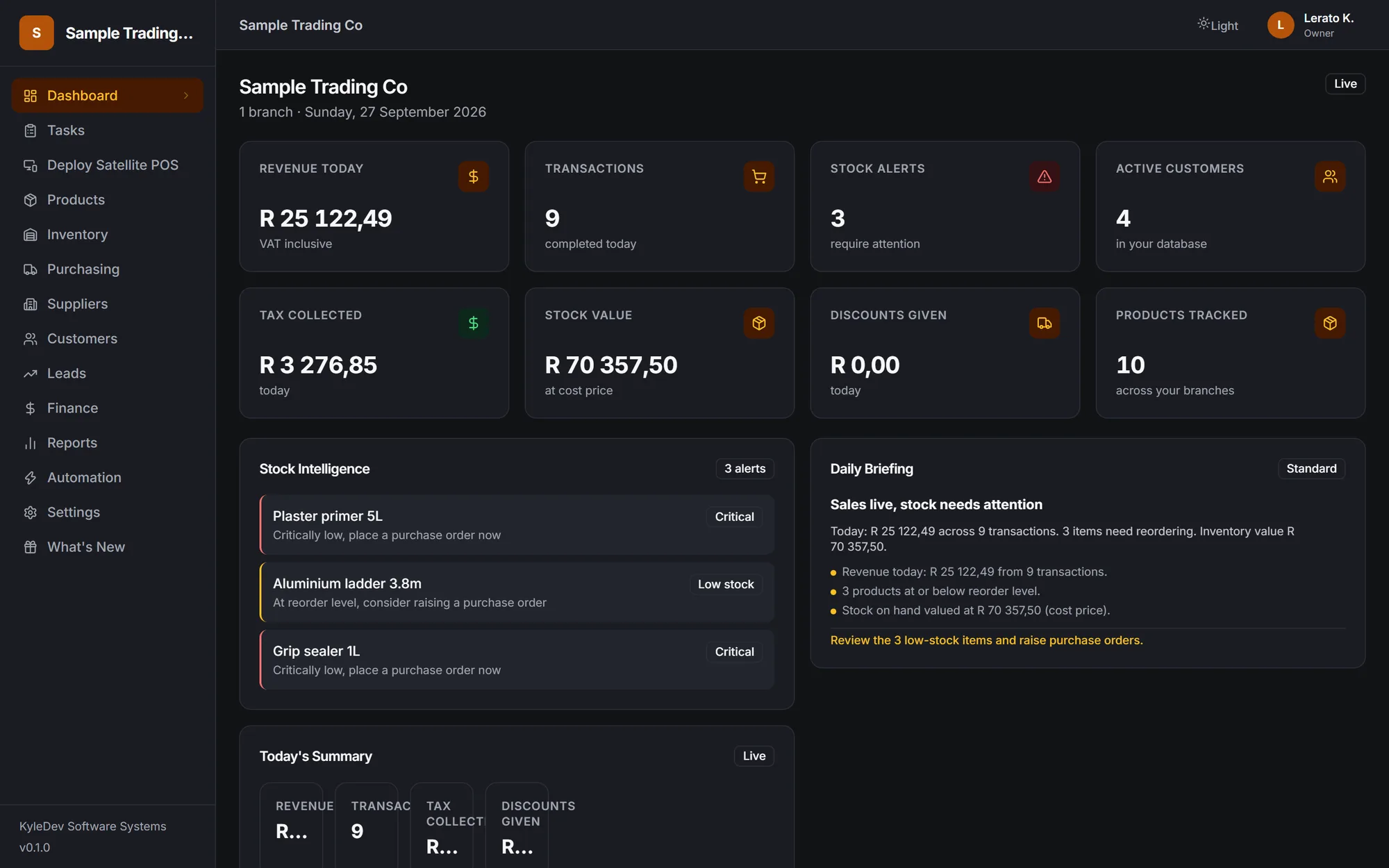
Built for the days that go wrong.
Every business has them. Here is what changes when Kontrol is running.
The system says 44 tins. The shelf says 38. Nobody knows where six went.
Every stock movement is logged against a name, so the gap takes minutes to find, not a month-end.
Jobs get handed out in a WhatsApp group and forgotten by lunch.
Send a task to one person with a deadline. They send a photo when it is done, and the conversation stays with the job.
The order for the part that stopped the line was sitting in someone's inbox.
Purchase orders go to your suppliers and are received against the order, with reorders drafted from what is running low.
Quotes, statements and supplier papers live in five folders and a drawer.
Quotes, invoices, statements and supplier documents sit next to the customer or supplier they belong to.
Set up for how your trade works.
Pick yours. Every scene shows things Kontrol does today.
Saturday morning, a queue at the counter, a contractor on the phone asking if the 20L is in, and a delivery that has to leave by ten.
- Scan and sell fast, with cash, card or both on one sale
- Trade accounts with credit limits for your contractors
- Deliveries sent to a driver as a task, signed off with a photo
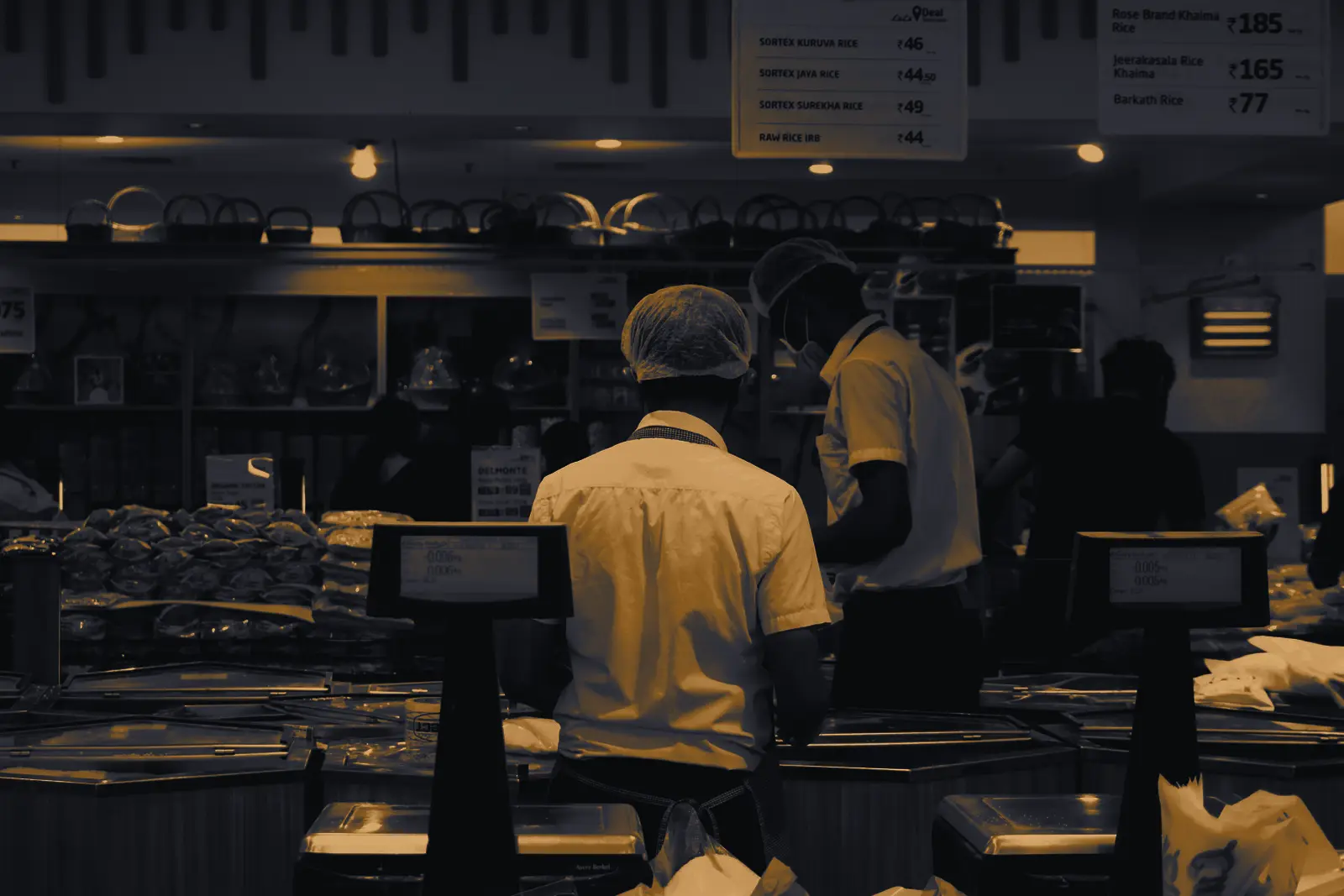
Signal drops. Work carries on.
Tasks, photos and messages from site are kept on the phone and sync when the signal returns. If you run a till, its sales queue the same way. Nothing to re-capture, nothing lost.
What you open every morning.
The back office on your PC, and your team on their phones.
Revenue, VAT and what needs reordering, the moment you open it.
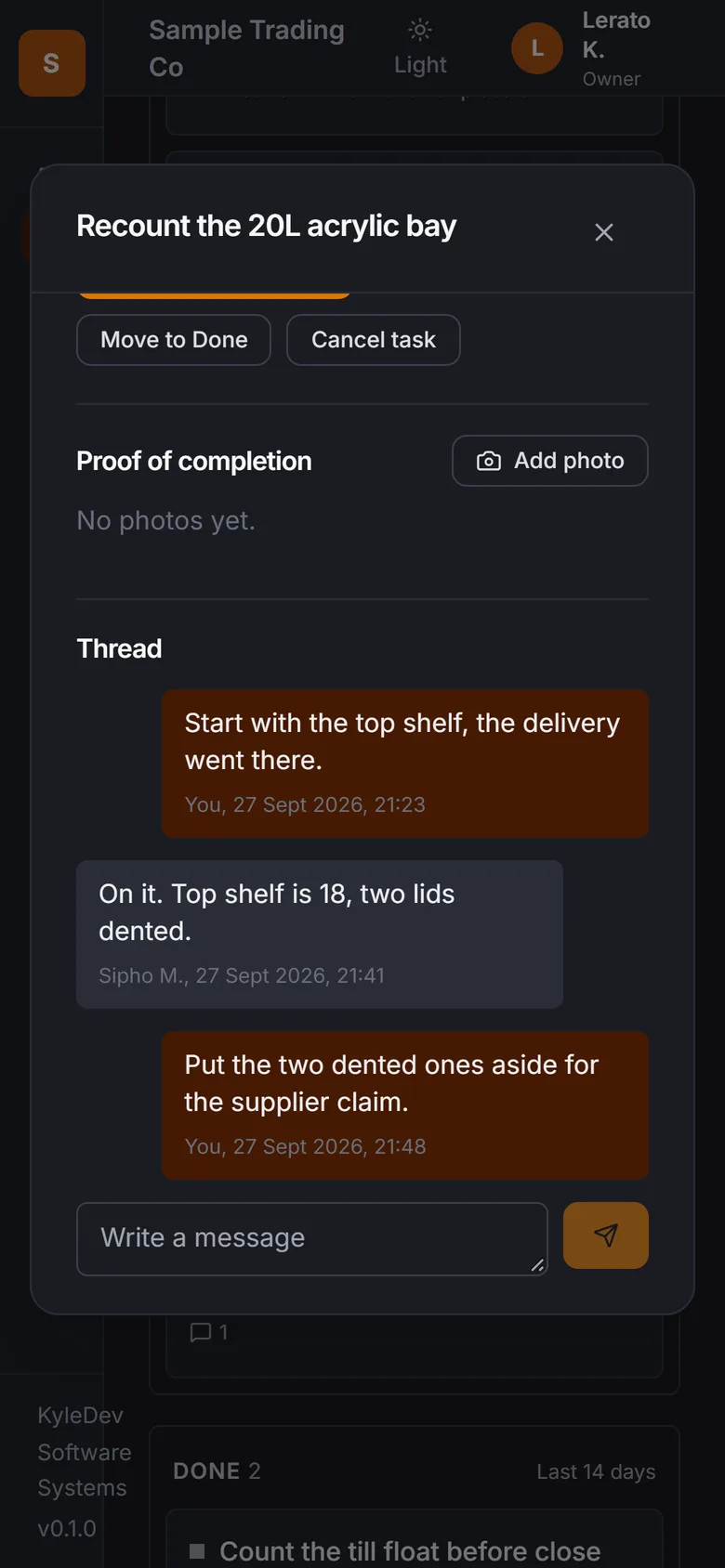
Sample workspace. The business, people and figures are made up.
Priced per business, per month.
Start with 30 days free. Pick a plan when it is running your business.
- Starter
- R299/ month
R344 with VAT
For small businesses getting started
- Business
- R649/ month
R746 with VAT
For growing businesses
- Professional
- R1 299/ month
R1 494 with VAT
For logistics, security and field teams
- Enterprise
- Quoted
For large operations
For mining and multi-branch operations
Before you install.
What does it cost after the trial?
From R299 a month on Starter to R1 299 on Professional, plus 15% VAT. Enterprise is quoted. The first 30 days are free and need no card.
Do I have to use the till?
No. Counter sales are an optional module. Businesses that do not serve a counter, like wholesalers, contractors and security companies, simply leave it off.
What happens when the power or the internet goes?
Tasks, photos and messages on staff phones are kept on the phone and sync when signal returns. If you use the till, its sales queue on the PC and go to the back office by themselves. Keep that PC on a UPS for load shedding.
Can my staff use it on their phones?
Yes. Tasks, photos and messages work on any phone browser, and can be added to the home screen like an app. It keeps working when signal drops.
Is my data safe?
Each business only ever sees its own records, staff only see what their role allows, and your data is never used to train AI. Your sales export to CSV whenever you need them.
Who helps me set it up?
The people who built it. Every support email is answered within one business day, South African time.
More answers on the support page.
Try it on your own business.
Install it today, load your stock and send your first task this afternoon. 30 days free, no card, cancel any month after that.